Should I Buy A Streaming Device With Google TV OS?: What To Know In 2026
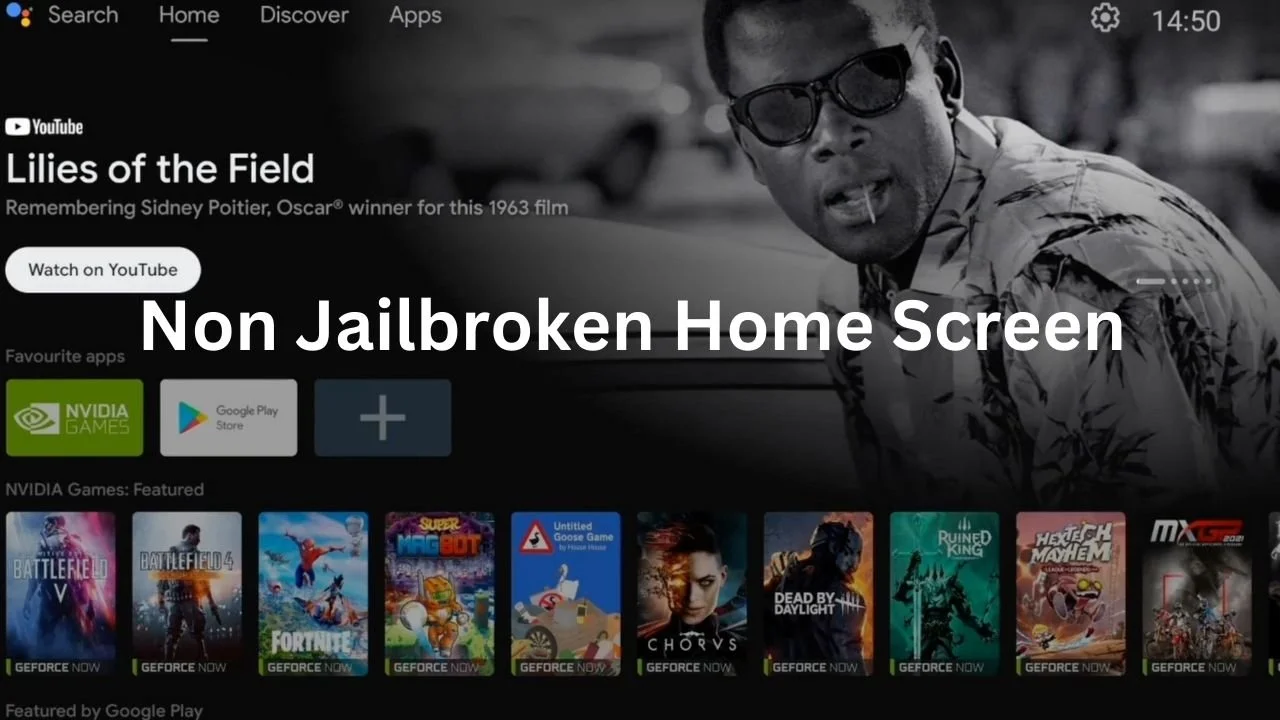
You control nothing on Google TVs streaming devices
Redbox disappeared from your device overnight. No warning. No update notice. Just gone.
Google says they are no longer “banning sideloading” but you will now need to wait 24 hours to sideload a simple Apk? And for the developers, they now need to identify themselves with Google. Are you out of your mind?
They want you to believe that quality is dead and that everything breaks. That everything needs to be updated every few years. That software needs updating every time it comes out, saying it’s for security. That couldn’t be further from the truth. It’s a streaming device that should never hold your personal information, what risk are you under?
With that said, we know, you are asking yourself, “Should you buy a streaming device with Google TV OS?”
That Onn Box Pro people told you to get also known as “Certified Android TV”, it just disabled Redbox without your permission. Yes, that is the future for people who want to sideload on Google TVs. The problem: you are sideloading on the worst OS system out there, Google TV OS.
I like to sit back quietly and watch what companies say they are going to do. Watch them do it, and then come to the conclusion of how I can see the future going. I don’t speak, and I don’t run out to make a ton of YouTube videos.
No, I sit back with my team and we think long and hard on that one question. How will that device, with that OS, work for people for the next 10 years?
From there, I then test things. I crack open my laptop and write about it. In this case, its Google TV OS ban on sideloading Apks on to Certified Android TVs.
I say this because I watch every little thing that’s happening. From the forums, newsletters, and YouTube videos. And I think, they all have it wrong.
People are too focused on the short-term gain and not focus on the long-term gain when it comes to dealing with Google’s ban on sideloading Apks. Because if that was the case, they wouldn’t be telling you to buy another Certified Android TV streaming device. Is your mind blown yet?
Then why? Why are they telling us to buy another Certified Android TV streaming device? I think they want to be the first to seem like they cracked the case, but instead, they are putting you back into the same boat. Along with their 3% kickbacks for sending you to the next Certified Android TV streaming device.
But not once are they solving your problem: what to do when Google starts to roll out the ban on sideloaded apk’s like Amazon did with the Firesticks and Fire devices?
Pro Tip: When you see Certified Android TV know that streaming device is running Google TV OS and you don’t want that.
Let’s see how you can fix this problem for good below. Would like to skip right to it, here is out content table.
Content Table:
The Solution: Switching to Nvidia Shield Pro or AOSP Devices
In Conclusion: So What Should You Actually Buy? (And What to Run From)
🧑💻See Elite System > 🛒Buy >
H2: Why Google TV OS Is Now A Nightmare for Sideloaders In 2026
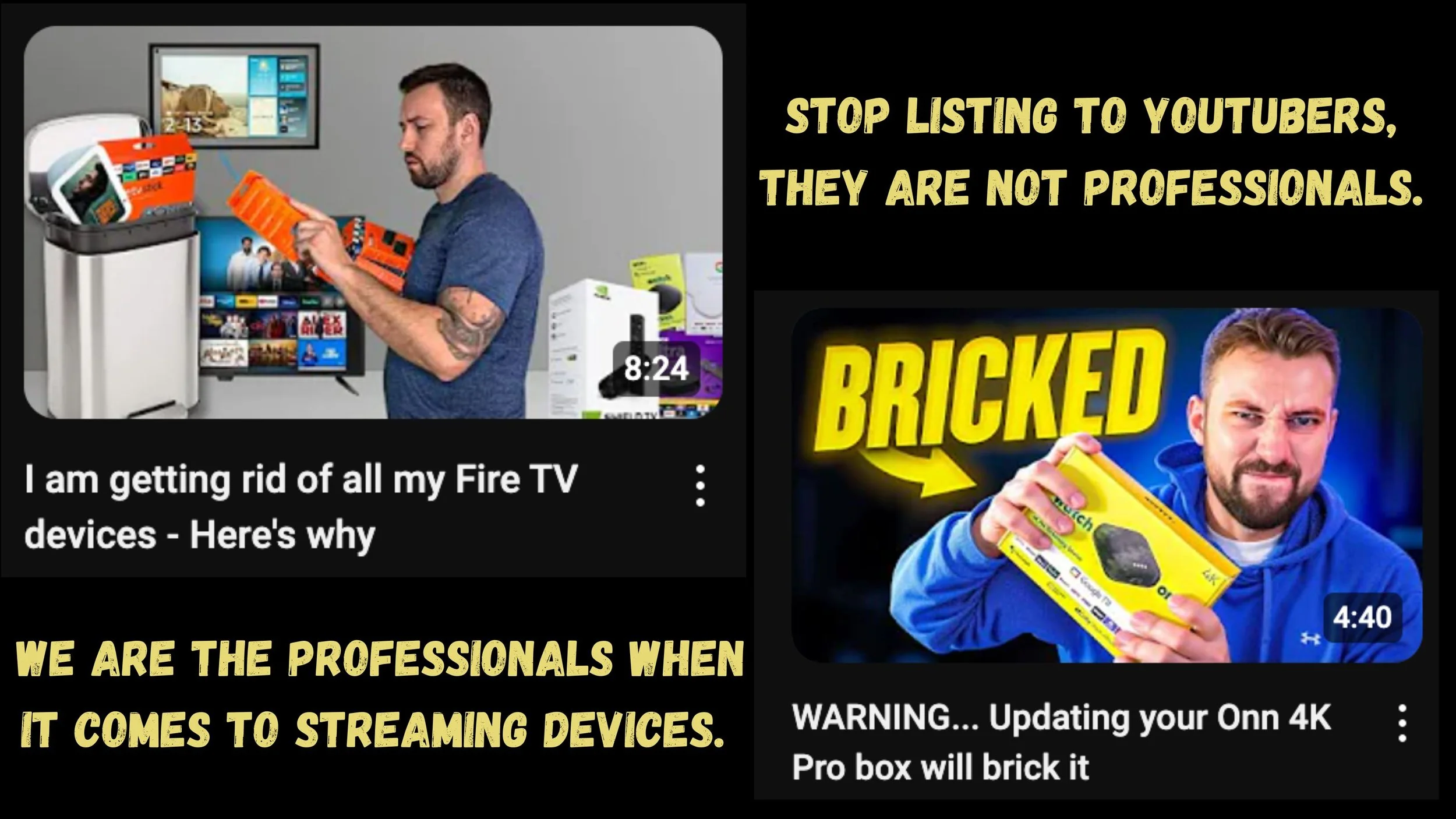
Don’t buy another Google TV os device in 2026
So, how is Google TV OS running on a streaming device the problem? Control. You don’t control that streaming device, that streaming device controls you and watches everything you do. Even sideloading apks (app) onto the device.
They see your VPN, they see it all. Google controls that streaming device, Google owns that Android software running on that streaming device not you. You can NOT go into settings, and turn off Automatic update, can you? (On a real AOSP OS based device like the Nvidia Shield Pro, you can, but not on Google TV OS trash.)
Try disabling your Google Services in Settings → Apps → See all apps → Google Services and click disable. Don’t worry, you are not going to break anything. Now tell me, is your device good or it is telling you the WiFi is out?
Try streaming something real quick. Is it playing or is the WiFi out and the device is not working?
If the WiFi is out and the device is not working, Google controls that device not Android open-source. Go ahead and enable your Google Services again to get your device back working.
Welcome to the nightmare of trash can streaming devices. This is why we say, stay away from cheap streaming devices. And yet, I don’t know why YouTubers keep telling you to buy them. Look how it turned out with the Firesticks. Then Onn Box Pros and even this new BuzzTV with Google TV OS running on it. You control nothing if Google TV OS is the main software system on the device.
Remember, the roll out for waiting 24 hours to sideload an apk and/or app, applies here. The same with you waking up to disabled apks without your permission. Yes, you can turn off Play Protection and then reinstall that apk again but for how long? With Google Services turned on, Google can push a update onto the OS turning off Play Protection and chose to hid it if they like.
This is the nightmare that a lot of you have been through. A lot of people bought Onn Box Pros on eBay. Then one morning WalMart pushed an GEO lock out update. If you are outside of the US, you can’t use the Onn Box Pro. Sideloaders find away around that by turning on VPNs.
Then the other shoe dropped. The update to Android 14 bricked a ton of Onn Box Pros and if you didn’t have a recipt nor bought the device in 12 months, you can’t get a replacement. Do you know how many people outside of the US had to trash yet again, another streaming device YouTubers, Bloggers, and Forums told you to get.
If this doesn’t upset you yet, then I don’t know what will. You already trashed all the Firesticks and moved over to the Onn Box Pros and you of you have already trashed them. No more streaming devices running Google TV OS.
So what’s the alternative? A device where you control the software, not the other way around. I’ll show you that in a moment but first, let’s understand why Google is doing this.
🧑💻See Elite System > 🛒Buy >
H2: What's Causing This Sideloading Crackdown?

This is about money and control
Google is saying the crackdown is due to apks with malware. Ok, we have VirusTotal for that problem. But why the 24 hour wait to sideload an apk on to a streaming device, and have developers ID themselves to Google?
Google is not known for their security, so if I was a developer I would not feel comfortable sending in a photo copy of my ID to Google.
When sideloading on a Google TV device even if you click “Accept the Risk” days later the Google TV OS system can still disable that apk you sideloaded. By saying the apk is dangerous, when we all know it’s not. Google, be straight up with people and just say “we don’t want you using apk’s that give you access to paid content for free”. Since the courts can’t stop it, we will by controlling the streaming devices OS.
If you ask me what it really is, it’s about money. Google is known for selling our info so other companies can run ads to us on these streaming devices now. Remember when the Android TV Home Screen was simple and only had what you downloaded on to it?
Now, it’s all these ads from all the streaming subscription companies. Plus, them pushing movies and TV series in your face every where. The Home Screen is now junkie, which also slows down the device due to the automatic movie and TV series clips running.
These companies are saying they lost so much money, yet CEOs are getting paid Millions. I don’t see anyone losing money but you, the customer. So how do you come away from the Google TV OS problem? You need better streaming devices with Android open-source project software, let’s talk about it more below.
H3: The Two Types of Android TV Software (And Why It Matters to You)
Here’s where people get confused and I don’t blame you. The tech world uses the same phrase “Android TV” to describe two completely different things.
H4: Type 1: Google TV OS (also called Certified Android TV)
This is the software Google controls. It runs on devices like the Onn Box Pro, TiVo Stream, and BuzzTV Google TV. Google decides what you can install, when you can update, and now how long you wait to sideload. You don’t own this software. It owns you.
Software Type is Google TV OS (Certified). Who Controls It? Google. Runs on devices like the Onn Box Pro, TiVo Stream 4K, Xiaomi TV Box S, Google TV Streamer, BuzzTV Google TV, and more. Sideloading Freedom? No, 4-hour wait, and can disabled apks without your permission.
H4: Type 2: AOSP (Android Open Source Project)
This is the raw, open-source version of Android. No Google strings attached. Manufacturers can build it however they want. And here’s the key: you control it. Not Google.
Software Type is Android Open-Source Project (AOSP). Who Controls It?You and Manufacturer. Runs on devices like the Nvidia Shield TV Pro 2019, Formula Z12 Ultra, BuzzTV XRS4900, and more. Sideloading Freedom? Yes, with no restrictions.
See the difference? One is a locked-down system designed to feed you ads and control what you run. The other is open, free, and respects your choices.
Google used to say, “Do No Evil.” But their certified Android TV software is doing exactly that to sideloaders.
I was shocked when I first learned about AOSP too. Most people don’t even know it exists. But now that you do, you can’t unsee it. And you won’t want to go back.
Now that you understand the software problem, let me show you the hardware solution. My jailbroken Nvidia Shield Pro runs on AOSP, not Google TV OS. Which means no 24-hour wait, no disabled apks, and no company spying on what you sideload. Here’s exactly what we did.
🧑💻See Elite System > 🛒Buy >
H2: The Solution: Switching to Nvidia Shield Pro or AOSP Devices
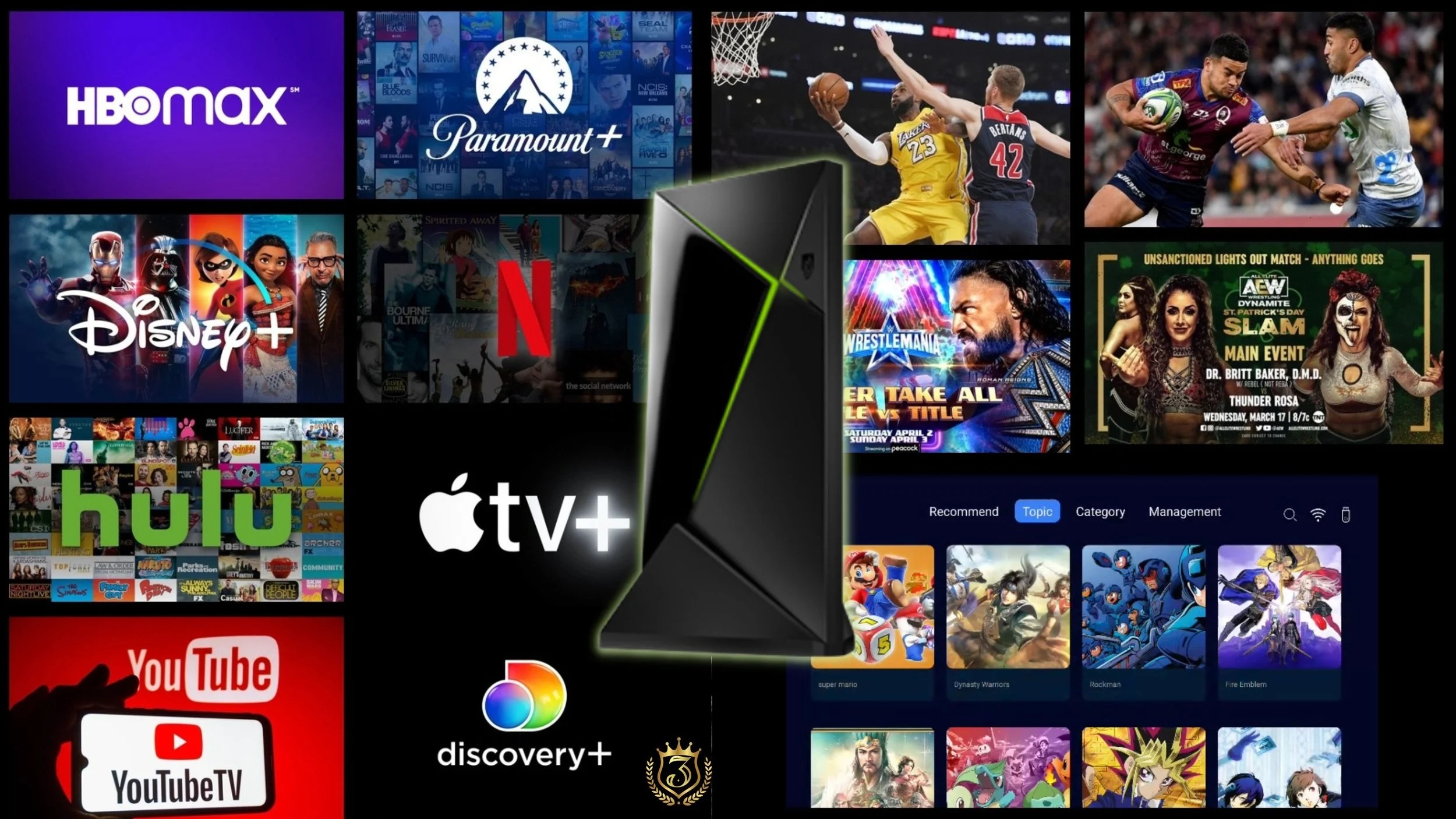
Buy once & you are good for 5 years or longer, stream free.
Before we start, I need to teach you the most important math equation in consumer goods. It’s called “Cost per Year”. Here is how it works.
Let us say you bought a Smart TV from LG for $600 and it last 4 years. That is $150 a year. Now, let us say you bought a premium Sony TV for $1,000 and it last 15 years. That is $67 a year. The expensive Sony TV cost half the price every single year and out performed the LG TV.
This is the math the corporations don't want you to ever know. Because if you understood cost per year, you would stop buying cheap certified Google TV devices that break, lose features, and lock you out, and start buying devices that last.
Now that you understand why cheap devices cost you more over time, let me show you the two types of streaming devices that actually respect your freedom to sideload.
H3: What Makes Nvidia Shield Pro a Sideloading Champion?
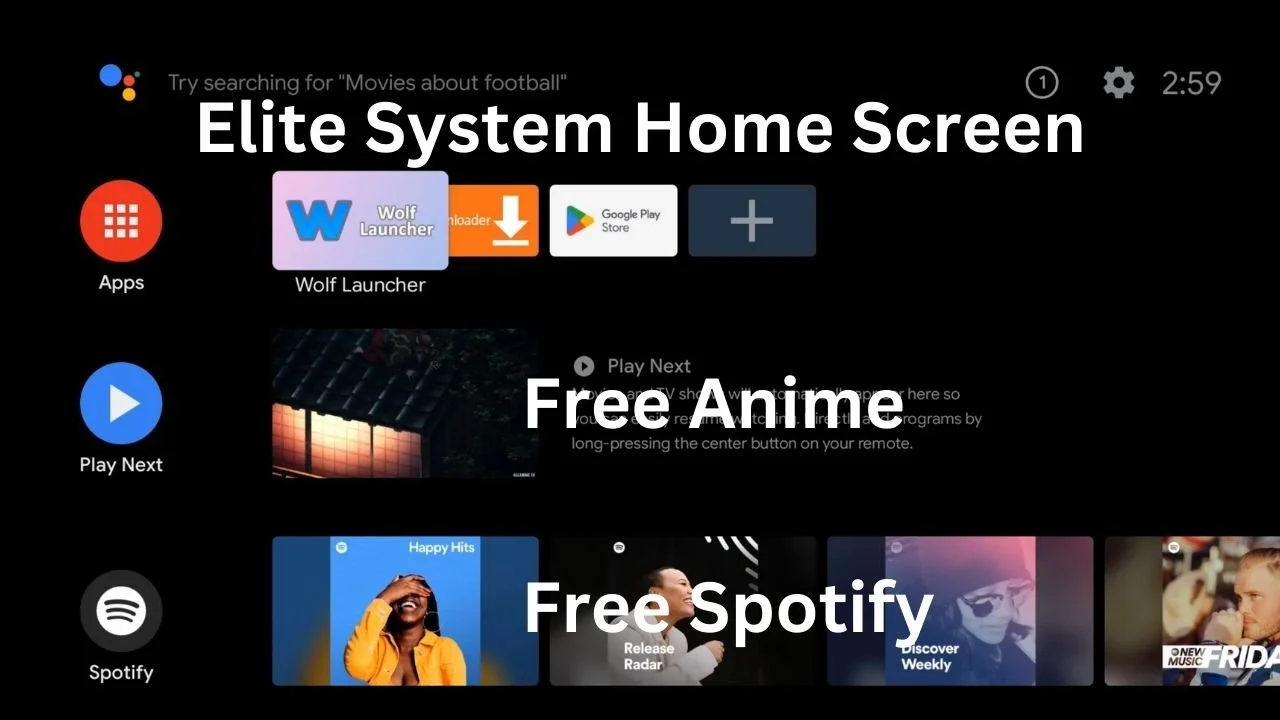
Jailbroken Nvidia Shield Pro Home Screen
I want to be very clear. A brand new out of the box Nvidia Shield Pro needs a ton of work before you get the freedom you are looking for.
If you want to do all this work yourself, flashing, downgrading, ADB commands; this blog won’t walk you through it. We have a YouTube channel for that. But if you value your time and want a device that works out of the box, keep reading.
With 15 years of experience, we have done what no others have done. We built our Elite System that we put onto each and every Jailbroken Nvidia Shield Pro we offer.
Never update your devices OS software because it’s not needed. No worries of disappearing apks, or home screen full of ads. You have no personal information on this streaming device for it to work, it just works.
We de-Googled the Nvidia Shield TV Pro 2019 making it future-proof to stream on for the next 3 to 5 years without worry.
With a de-Googles Jailbroken Nvidia Shield Pro you just plug in the device and it plays. Our Elite System host 70 APKs, giving you access to worldwide TV entertainment for free. All you need is high speed internet and a Cat5e cable to plug in the Ethernet port for a stable unbreakable connection.
With the NVIDIA® Tegra® X1+ processor and the ability to expand the storage makes this the greatest streaming device on the market still, today in the Spring of 2026.
You can customized your Home Screen once again with the sideloaded apks yon the device, like Kodi, and Stremio. Even ad-free version of Spotify and iHeart radio.
With the device being de-Googled the Nvidia Shield Pro is fully fun yet again. Watch worldwide popular TV series, plug the device into your 3D projector to watch free 3D movies. Click and play any Live Sports event, or PPV without blackout and even use instant replay when you miss it live. Anime is wild, covering 134 subtitles languages. The entertainment is endless with our Elite System on a Jailbroken Nvidia Shield Pro.
You’ve already wasted hundreds of dollars on cheap streaming devices that broke, locked you out, or filled your screen with ads. You’re spending $15,000 a year on subscriptions and still can’t watch the game without blackouts. You don’t have time to learn ADB or flash firmware. You want a device that works, period.
That’s the point of the Jailbroken Nvidia Shield Pro we offer.
H3: Why AOSP Devices Are the Future of Streaming
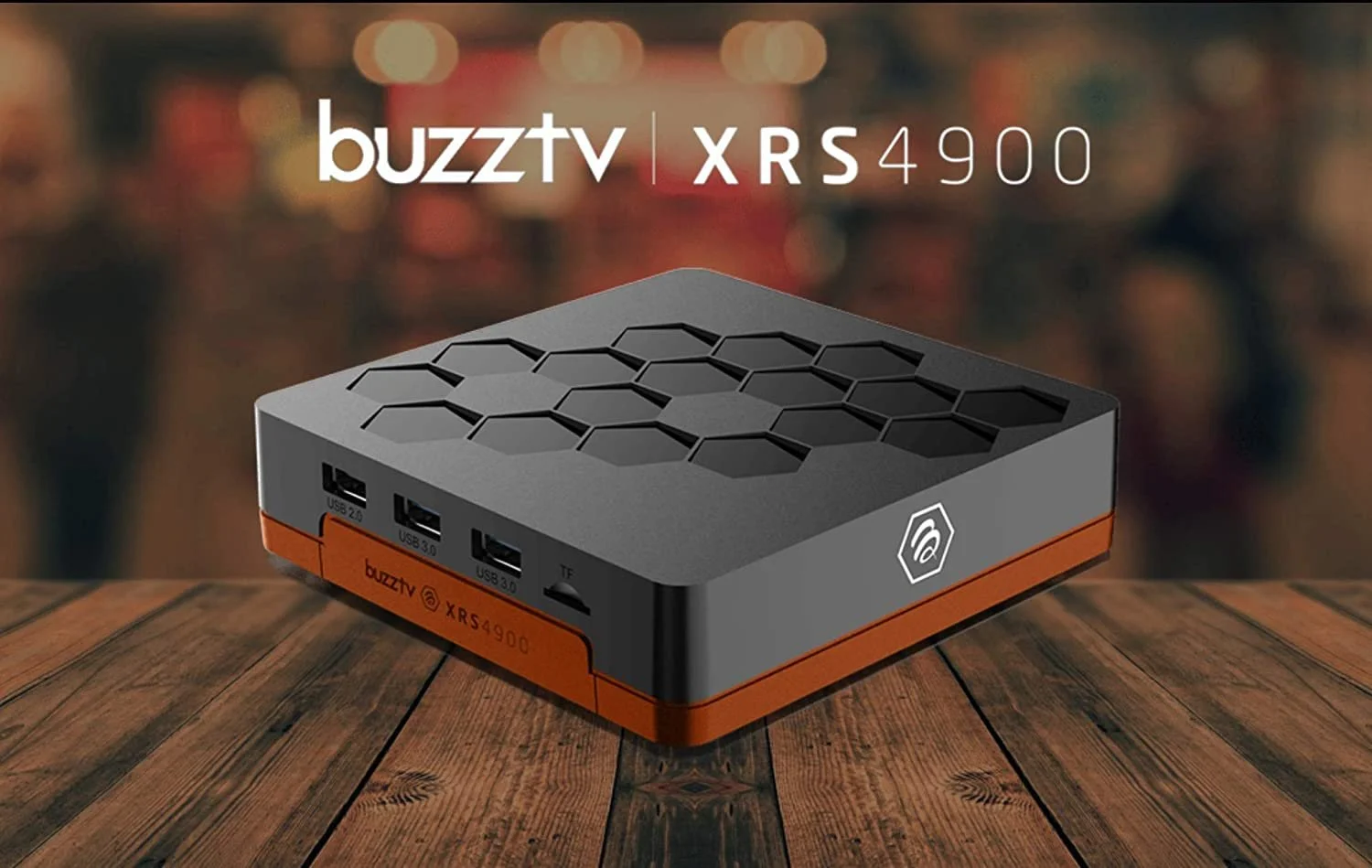
Android open source project BuzzTV with Android 9
Control is the future and AOSP devices give you that when done right.
I’m super excited about the two AOSP devices I talked about earlier, the Formula Z12 Ultra, and the BuzzTV XRS4900.
Yes, the BuzzTV XRS4900 is the older modeler but it runs my favorite, Android 9 and you can put a hard drive right into the bottom of the device expanding the storage.
Where the Formula Z12 Ultra, just looks so cool with a full remote. This streaming device is know for an IPTV Service they lean hard into but as for that, I think it’s a great device to take a look at.
Compared to the Nvidia Shield TV Pro 2019, all these AOSP devices lack the NVIDIA® Tegra® X1+ processor. Which in all fariness, every streaming device on the market does too.The speed and power a Nvidia Shield Pro has. However, I do think hands down all those little cheap streaming device are no match for AOSP devices when it comes to speed, power, and performance.
You control these devices when it comes to sideloading your apk’s or anything else you want on them. Please know, these devices do NOT come with Google Play Store on them. Which, you don’t want anyways with so many other Android App Stores out there.
This is not the device you want to load Netflix on. That defeats the point. This is open-source and you control you streaming and what you stream with privacy.
🧑💻See Elite System > 🛒Buy >
H2: FAQ: Should I Buy A Streaming Device With Google TV OS in 2026?
The short answer, hell no. So many problems to come on top of the problems that people are already facing now. Let’s get more into details below, what you need to know.
1. Can I still sideload apps on Google TV in 2026?
Yes, but it's not the same. Google is rolling out a new "Advanced Flow" that adds a mandatory 24-hour wait after enabling developer options. This means any app and/or apk from an unverified developer will face this significant delay before it can be installed. This process has frustrated many users, making the once-simple task of sideloading a multi-day ordeal.
2. Why is Google doing this? Isn't Android supposed to be open?
Google claims the new restrictions are to enhance security, as they say sideloaded apps/apks are 50 times more likely to carry malware. However, critics, including a coalition of 37 organizations argue this is a power grab to control the Android ecosystem, as it requires every developer to verify their identity, and gives Google a database of every Android developer worldwide. For many cord-cutters, this move appears to prioritize control over openness.
3. What's the difference between a "Certified" device and an AOSP device?
"Certified" Android TV and Google TV devices like all certified Google TV OS devices (Onn Box Pro, TiVo Stream 4K, Google TV Stream, etc.) and even the Nvidia Shield have Google Play Services and are subject to Google's new restrictions. AOSP devices, however, run the open-source version of Android without Google's proprietary services. Because they aren't "Certified," their sideloading freedom remains untouched.
4. How is the Nvidia Shield TV Pro 2019 a “Certified” Android TV and AOSP device?
The Nvidia Shield TV Pro 2019 seems to run both Android open source as its main program and on top Google TV OS. When using ADB debugging, you want to turn off all Google Play Protection, Play Store, and Services. The Nvidia Shield TV Pro then only runs Android open source when on Android 9 version 8.2.1. Giving you total control back over the streaming device.
5. Is the Nvidia Shield Pro really the best AOSP alternative?
A stock Nvidia Shield Pro from the store is still a certified Google TV device. That means it will eventually face the same 24‑hour wait and other restrictions unless you modify it.
However, a de‑GoogledJailbroken Nvidia Shield Pro like the ones we offer with our Elite System removes Google’s control entirely. You get the powerful Tegra X1+ processor, expandable storage, and full sideloading freedom. That version is absolutely the best streaming device on the market today.
6. Can I install BeeTV Apk on an AOSP device?
Generally, yes. Since AOSP devices don't have Google's restrictions, they are free to install apps from any source, including many that Google TV would block. However, it's always a good practice to download APKs from official or trusted repositories like github to avoid malware.
7. Are there any downsides to using an AOSP device?
Potentially, yes. Since they don't run certified builds, you may not have access to services like the Google Play Store, Chromecast, or certain Google apps. This is a trade-off: you gain freedom but may lose some convenience. It's essential to choose a reputable AOSP box from a trusted brand to avoid hardware or software issues.
8. Is the 24-hour sideloading wait now in effect worldwide on Google TVs?
Not yet. Regional enforcement begins in September 2026 for Brazil, Indonesia, Singapore, and Thailand, with a global rollout planned for 2027 and beyond. However, some users are already reporting issues as Google prepares for the full rollout.
9. How can I speed up the 24-hour waiting period on Google TV?
There is currently no known method to bypass the mandatory 24-hour wait on certified Google TV devices. The "Advanced Flow" requires a full 24 hours to pass after enabling developer mode before any unverified app can be installed. Attempting to circumvent this may result in the app not functioning properly or being blocked entirely.
🧑💻See Elite System > 🛒Buy >
H2: In Conclusion: So What Should You Actually Buy? (And What to Run From)

Get a Jailbroken Nvidia Shield Pro in 2026
Let’s start with what to run from: any streaming device running Google TV OS. You don’t want Google anymore. You want away from Google unless it’s a Nvidia Shield Pro 2019 that has been de‑Googled and pre‑configured (like the ones we sell). A stock Shield Pro still has the same problems.
For the DIY crowd, keep your eyes out for an AOSP device. Find the best one that fits your lifestyle. There are so many ways it can be done, and that’s really up to you.
But if you want to save your TIME on all the technical stuff, that’s where we come in. We’ve already chosen the greatest streaming device on the market, the Nvidia Shield Pro, and made it even better by adding our Elite System and de‑Googling the whole thing.
Plug in and play is real. You don’t need to be a tech expert. As long as you can follow a video guide, you’ll be fine. Our system is starter‑friendly and can be learned by anyone. Trust the process, go with the flow of how these APKs work, and you’ll be good.
We include 70 APKs, not because we want you to use them all, but as backups. When something goes down (and it will), you have a backup APK ready to go.
We’ve been doing sideloading for so long, we’re ready for all the problems ahead. The question is: are you?
So go ahead and grab your new Jailbroken Nvidia Shield Pro from us today while we still have them available.
🧑💻See Elite System > 🛒Buy >
Related Post: Jailbroken Nvidia Shield Home Setup: Internet & Network Essentials