Nvidia Shield Fully Loaded: How this One Device Solves All You Streaming Problems
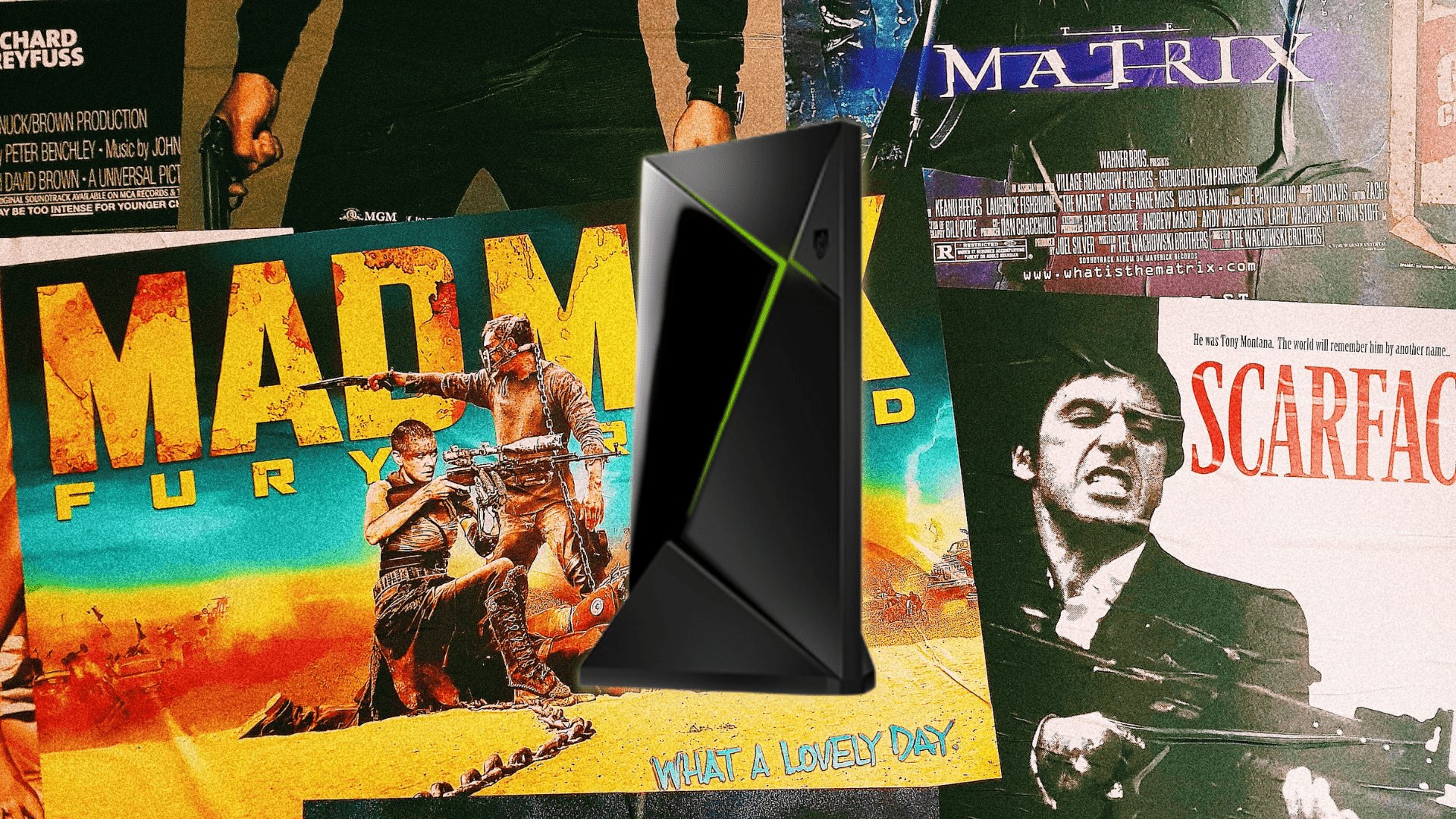
Nvidia Shield Fully Loaded
Update October 2025: So, you're searching for an "Nvidia Shield Fully Loaded." I know, it's an incomplete phrase, but it's one people look up. I was shocked, too. But what are you really looking for? A device that ends the constant buffering, lagging, and freezing for good?
If that's the case, congratulations, your search is over.
First, let's be clear; if you're seeing green glitches, that's your TV, not the device we're about to talk about.
Now, let me ask you the real question. Do you want to buy an Nvidia Shield Pro that's already fully loaded, or do you want to spend hours trying to fully load one yourself?
Either way, we at D3vicx (devices) and we specialize in customizing and fully loading the Nvidia Shield Pro to deliver free TV entertainment worldwide.
Let me tell you why this is the only device you should consider. The Nvidia Shield TV Pro 2019 is my undisputed, top favorite device on the market. Nothing beats it, and I mean nothing.
Here’s why. It’s powered by an NVIDIA® Tegra® X1+ processor with a 256-core GPU and 3GB of RAM. In simple terms? It’s a processing beast built for speed, designed so it shouldn't buffer or lag. My team and I have tested them all, and no other streaming device can top the hardware on the Nvidia Shield Pro.
Every other device talks a big game until it's time for the "fully loaded" part. The Nvidia Shield Pro is the only one that can handle it with style and power. I respect that Amazon didn't even try to compete with their new Fire TV Cube 3, it looks hot, but it's just another Pokémon in a collection. Most companies focus on slowing down the software with updates, forcing you to update the device instead of investing in better hardware.
The truth is, you've found the best. Now you just have to decide how you want to get it.
Shop Now > Discord >
Why a Fully Loaded Nvidia Shield Pro Beats Every Other Streaming Device
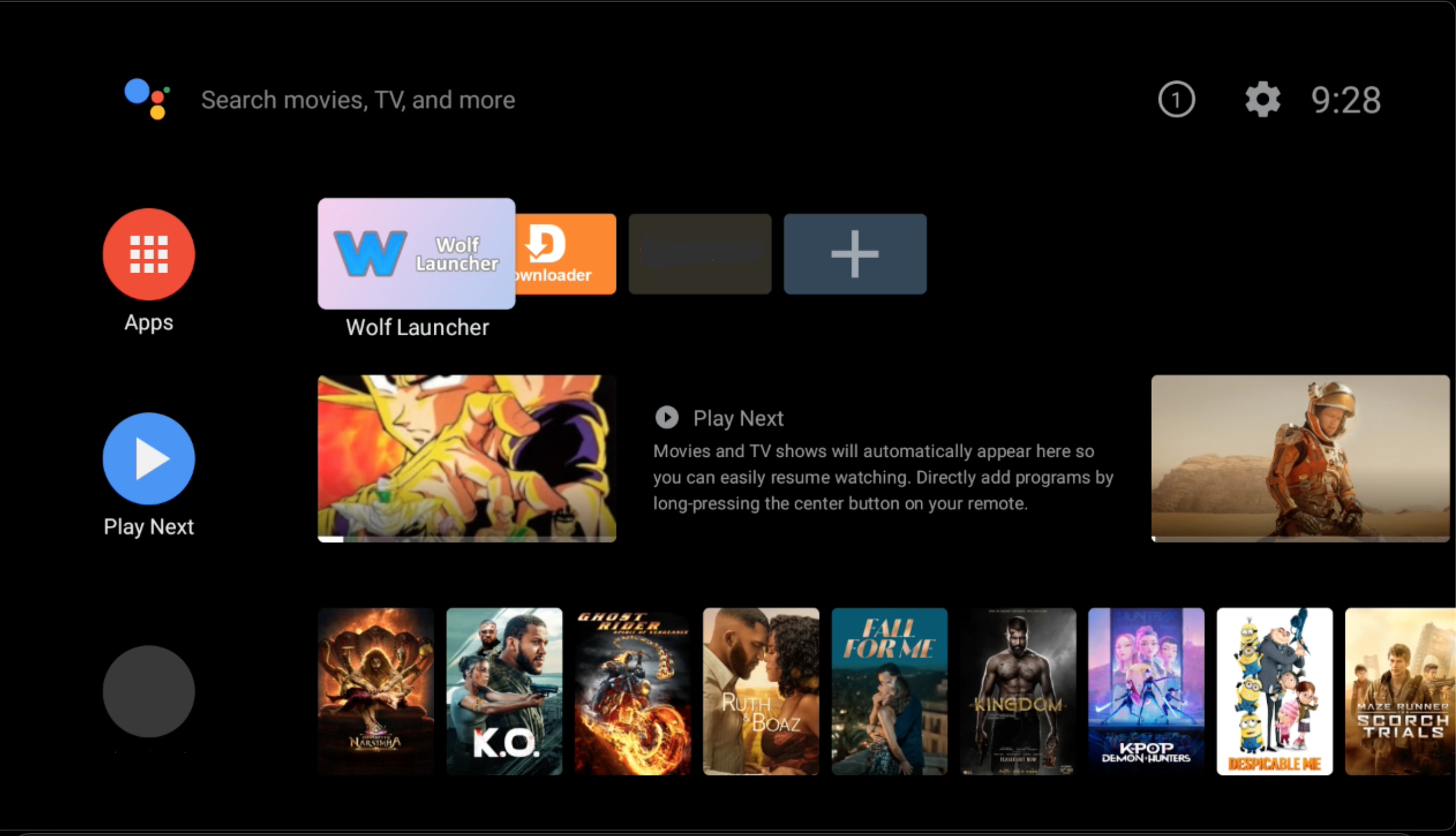
Our Jailbroken Nvidia Shield, home screen has no ads, just click & play.
Anyone can sit here and talk about all the great features of any device. But when put to the test, can they solve the most common streaming problem that has you spending hours on YouTube and Reddit? The top streaming problem is buffering.
Wow, why am I not surprised? I went through this for years when I owned Firesticks. I would fully load them up, and then after the first system update, the sideloaded APKs would just stop working. I spent hours and hours online researching everything, trying every fix people suggested on YouTube. Go look there are hundreds of thouands of videos just on how to stop buffering and lagging on, you guessed it, Firesticks and other cheap streaming devices.
Here is what I found out, and this will fix your Firestick buffering problem for good. I promise, you have my word. This is going to get a bit technical, so please stick with the story.
Just like you, I’ve been through every Firestick from 2013 to 2018, and I had to replace them all because of buffering. It got to the point where I was over it. I got up, unplugged the Firestick from the TV, and tossed it out of my 5th-floor apartment window in Brooklyn. Now, at that time I hadn't learned my lesson yet, because the very next device I picked up was the Google TV 4K. And within 6 months, the same problems from the Firestick came back to haunt me.
I finally did a ton of research and learned about the Nvidia Shield TV Pro 2019. I picked this device up immediately. I loaded it up and never had a buffering or lagging problem again.
Pro Tip: I don’t update the device past Android 9, version 8.2.1.
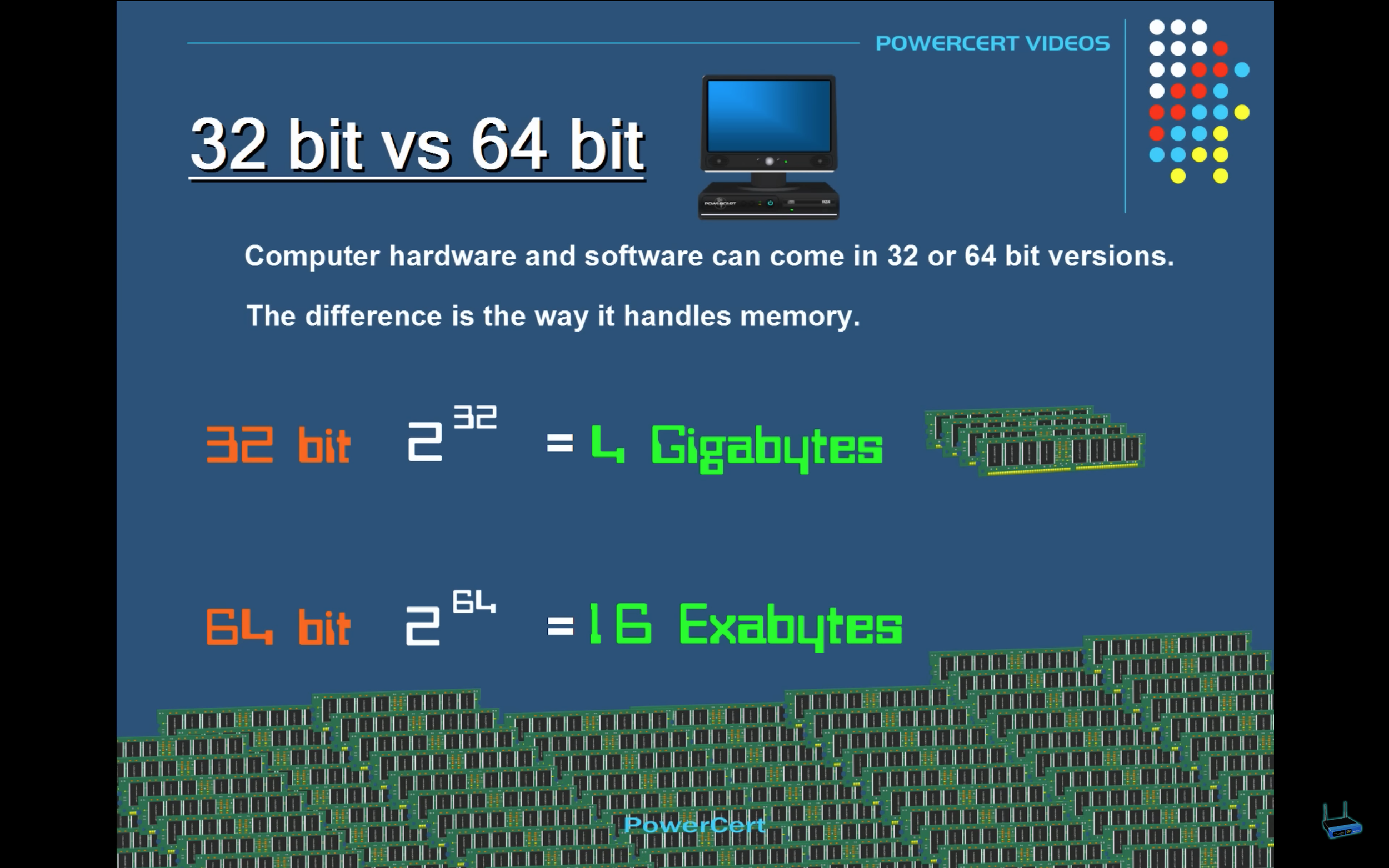
Cheap devices run on a 32-bit and Nvidia Shield Pro runs on 64-bit.
The problem with the Firestick, Google TV 4K, and any other cheap streaming device is that they are not built for sideloading APKs. Here is the tech information that backs up my theory:
The problem is that cheap streaming devices have a small, outdated brain. They just aren't strong enough to handle extra apps.
Think of it like this: A cheap device's brain can only remember 4 things at once. But the device itself needs to remember 5 things just to run its own system and updates. This leaves no room for your movie apps!
When the brain is full, it has to stop and forget something to remember something new. This stopping and starting is the buffering you see.
The Nvidia Shield Pro has a huge, powerful brain. It's so big, it's like it can remember a billion, billion things at once without ever getting full. There's always plenty of room, so everything runs smoothly without stopping.
The technology behind the device shows the true problem and why buffering happens. So what do you do? Toss out your cheap streaming devices, never buy them again, and upgrade to the Nvidia Shield Pro.
But wait, there's more. Not just any old one, you want our Jailbroken Nvidia Shield Pro, aka the Nvidia Shield Pro Fully Loaded. We will explain exactly why below.
Shop Now > Discord >
What Does “Nvidia Shield Fully Loaded” Really Mean? (And What’s Included?
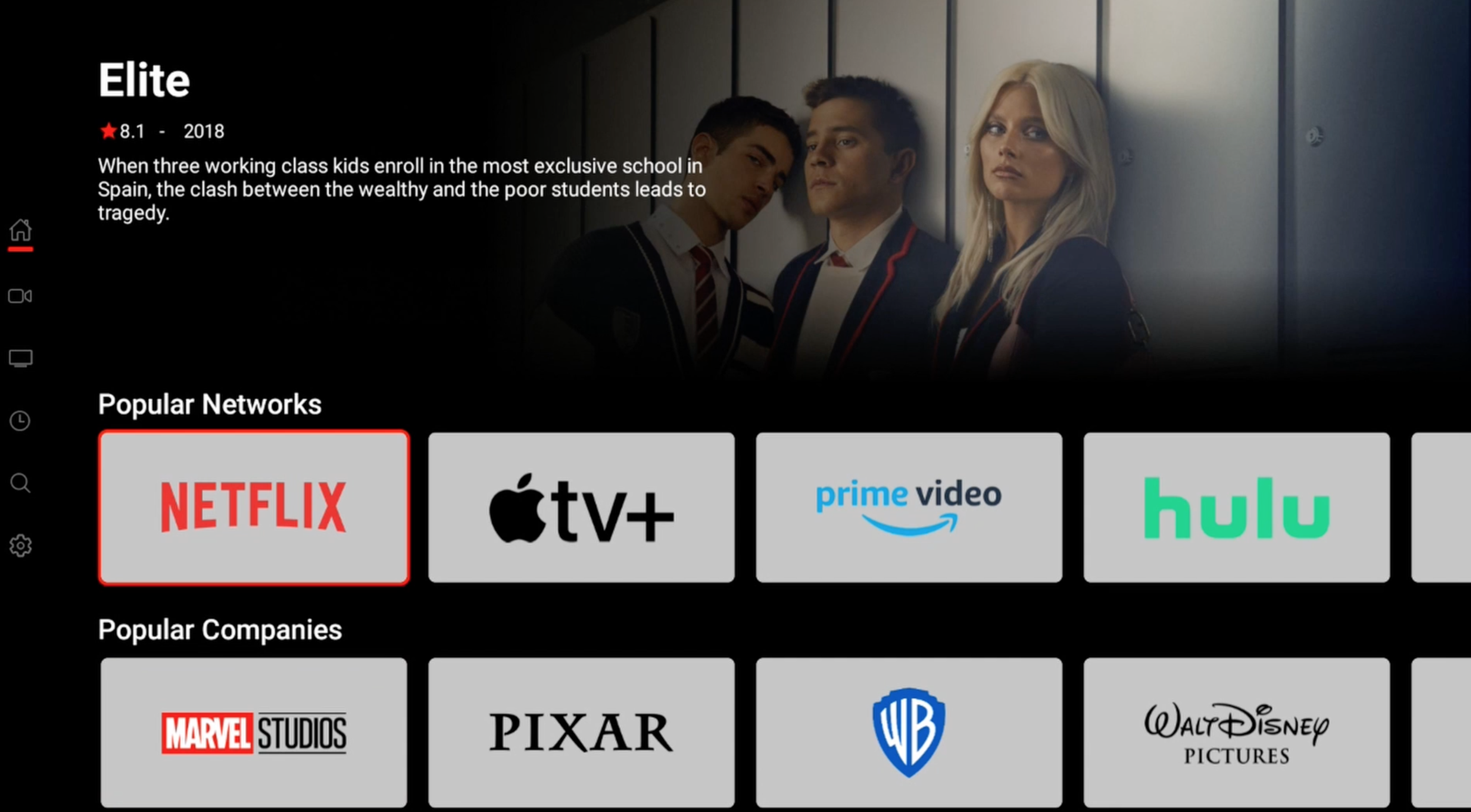
All subscription apps are free, just click and play. No GEO-restrictions.
Fully Loaded" is a simple way of saying the device is loaded with APKs (apps). Yes, these often give you access to free streaming content, but not always.
Some might be modded media players or custom tools like Button Mappers. The term is accurate because the Nvidia Shield TV Pro 2019 is an open-source device. You just go into Settings, turn on "Unknown Sources," and you're ready to go. No complex jailbreaking is needed.
So, what's included on our "Fully Loaded" device? A system we created called the Elite System, the best of the best, complete with backups. Our Elite System is a custom launcher that hosts 55 APKs working together as one, giving you access to free TV entertainment worldwide. You read that right; you can stream everything you'd normally pay for, for free on a Nvidia Shield Fully Loaded by us.
The Jailbroken Nvidia Shield Pro is currently $725. It's a one-time cost, and once you have it, you can stream everything for free. No more cable bills or subscription apps needed. Everything is pre-programmed and ready to use. Think of this as the modern age chipped cable box but you can call it a jailbroken cable box, good to go for the next 3 to 5 years.
It's simple. We provide a video manual that shows you all the ins and outs of the device. By the time it arrives, you'll be streaming like a pro in no time.
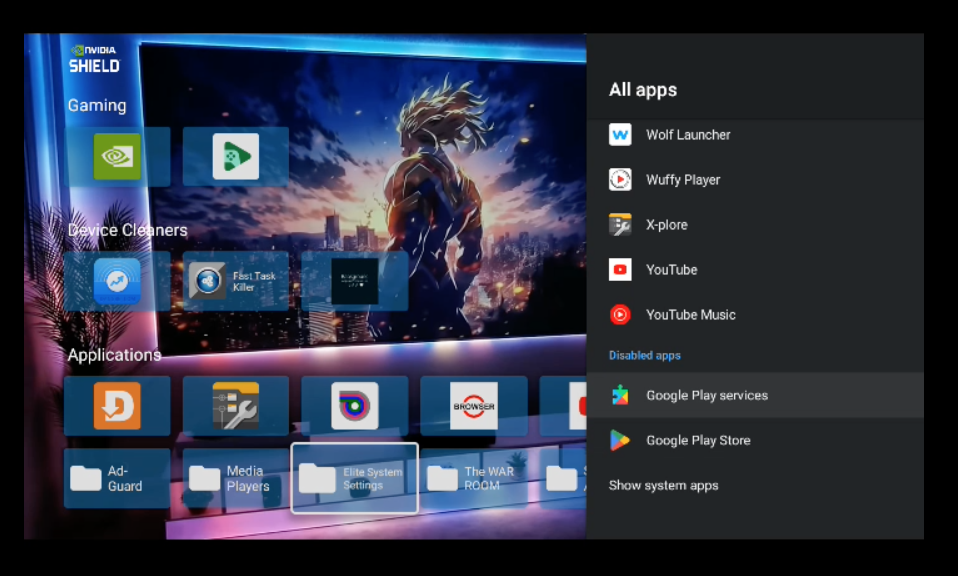
Jailbroken Nvidia Shield Pro, fully deGoogled and still works perectly.
Our Elite System is also fully de-Googled, preparing you for when Google starts banning sideloaded APKs on its certified Android partners.
This is key.
It's a streaming device; it should be used just for streaming. No one should be signing into accounts anymore. This is a clean, plug-in, click, and play device designed to make your life easy.
You shouldn’t hold any personal information on a streaming device and you shouldn’t have to remember passwords for a streaming app. This model is outdated thanks to streaming companies and Google for always getting their data breached.
Below will go over the second problems people have when streaming and that is with WiFi and how to fix that.
Shop Now > Discord >
The Second Streaming Problem: Your Internet Connection (And How To Fix It)
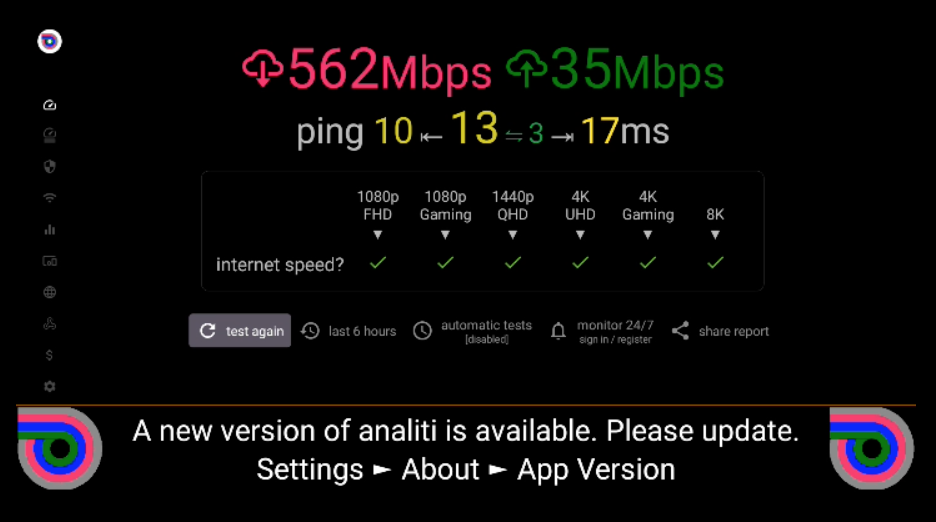
Upload speeds are low when you have cable internet.
Let's talk about the second big problem, your internet connection. Did you know that when you stream a movie, it's like you are sending a video to your TV?
This uses your internet's upload speed, not its download speed. For years, internet companies made download speeds fast for browsing, but they left upload speeds very slow. This is a major reason for buffering.
Fiber optic is a good version of balanced of uploads and download internet speeds. So, look for fiber optic companies in your area.
The Best Fix: Ditch WiFi and Plug In
Look at the back of your streaming device. What do you see? That's right, a port for an Ethernet cable.
Why does this matter?
A cable gives you a super strong and stable connection that WiFi can't beat. It’s a direct line from your internet to your device. For the best for streaming, you should always plug in a cable if you can.
Why WiFi Causes Problems
WiFi is just an invisible signal that floats through your home. It's not very strong and can be easily blocked by walls, floors, or even other gadgets. The stronger WiFi signals (like WiFi 5) are actually the worst at going through walls.
If you must, use WiFi 2.4GHz, is going to go the farest and through any object or wall. It’s a little slower to connect, but once connected it has the most stable connection for WiFi.
What If My Router Is In Another Room?
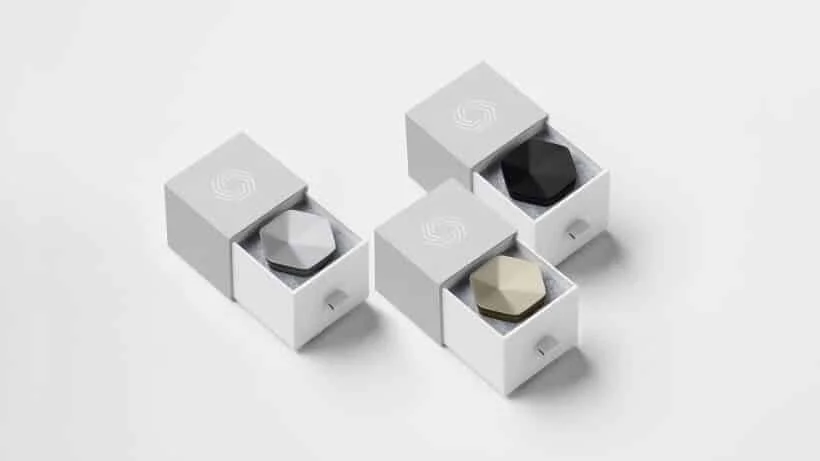
Plume Pods, a great mesh network system.
If your internet router is too far away for a cable, you need a Mesh Network System.
Think of it as little satellite dishes around your home equally distributing your internet. You can plug your streaming device directly into one of these "pods" or "nodes" for a perfect connection.
Pro Tip: When looking for a Mesh Network System you can go with Plume Pods or Asus AiMesh. With Asus, if you have an older Asus router you can add it to the AiMesh to act as a nod. For Plume, it has pods, they come in WiFi 5, 6, and 6E. Only one small problem. You need to get them through a third party seller. Plume no longer offers them on their website.
A Simple WiFi Tip
Look at your router's antennas. If they are all pointing straight up, try turning one to the side to make an "90 degree angle". This can help push the signal around your home better.
Remember, for the farthest reach, use the 2.4GHz WiFi signal. It's slower but much better at traveling through your home. For everything else, a wired connection or a mesh network system is your best bet for buffer free streaming.
To learn even more about your home internet setup, let’s start with the basics, your modem and router: Owning vs. Renting Modem and Router.
Shop Now > Discord >
DIY vs. Pre-Loaded: Which "Nvidia Shield Fully Loaded" Path is Right for You?
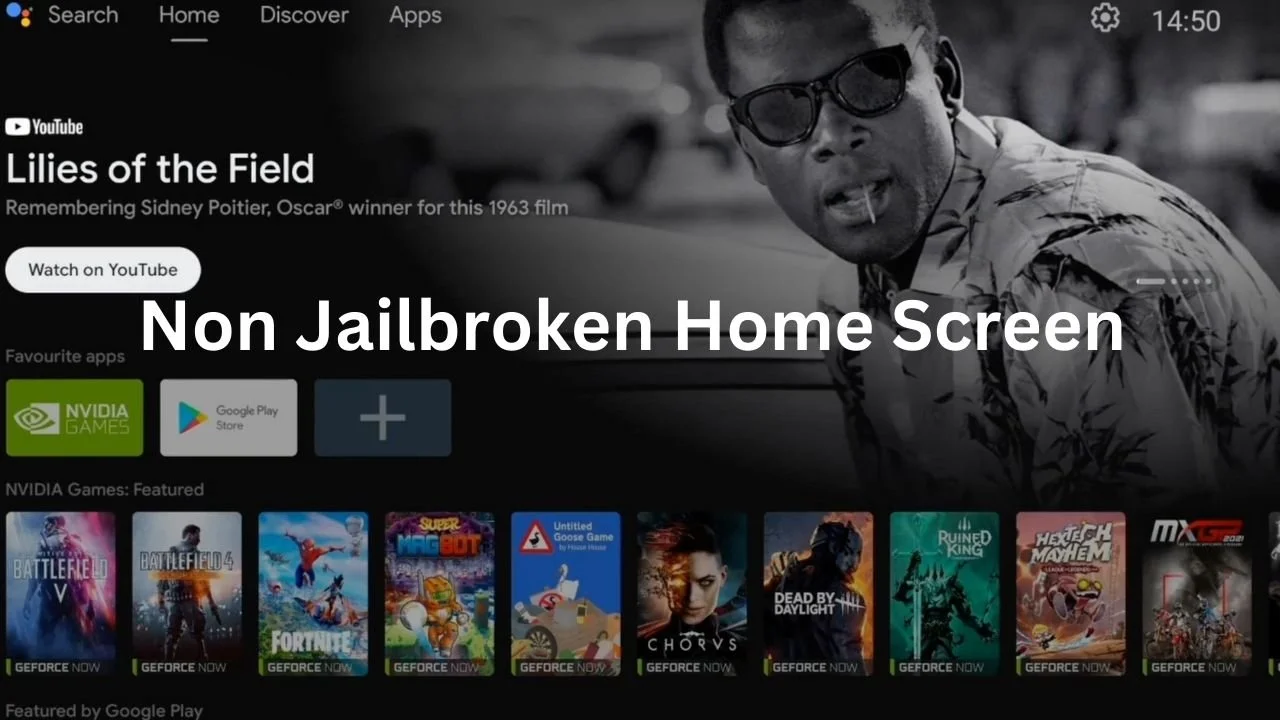
DIYers will start with the home screen full of ads, good luck.
I first wrote this blog back in October of 2022. Back then, DIY was still possible and maybe a little easier to do. That was until NVIDIA came out with the Android 11 Experience 9.0.0 for the Nvidia Shield Pros.
That little software update, meant to slow people down from sideloading, took a turn. Suddenly, everyone needed tech skills to flash the device's system and downgrade (rollback) to a more stable version like Android 9, version 8.2.1.
You want to control the home screen and have no ads?
Well, here we are in 2025, and it’s even more. Now, you need to de-Google the device. You have to use ADB debugging to turn off Google Play Services, Play Protection, and the Play Store. Welcome to loading.
Think about this long and hard. We have 10 years of experience over you in fully loading an Nvidia Shield Pro, to where we are the only seller with our own system.
Have you seen any other seller talk about a system they load onto these devices? Yeah, if it was that easy, everyone would be doing it. But, you are welcome to give it a go if you have the time and you want to learn.
We are for people who just want a plug-and-play system. For DIYers, I can only tell you what to take off before you start.
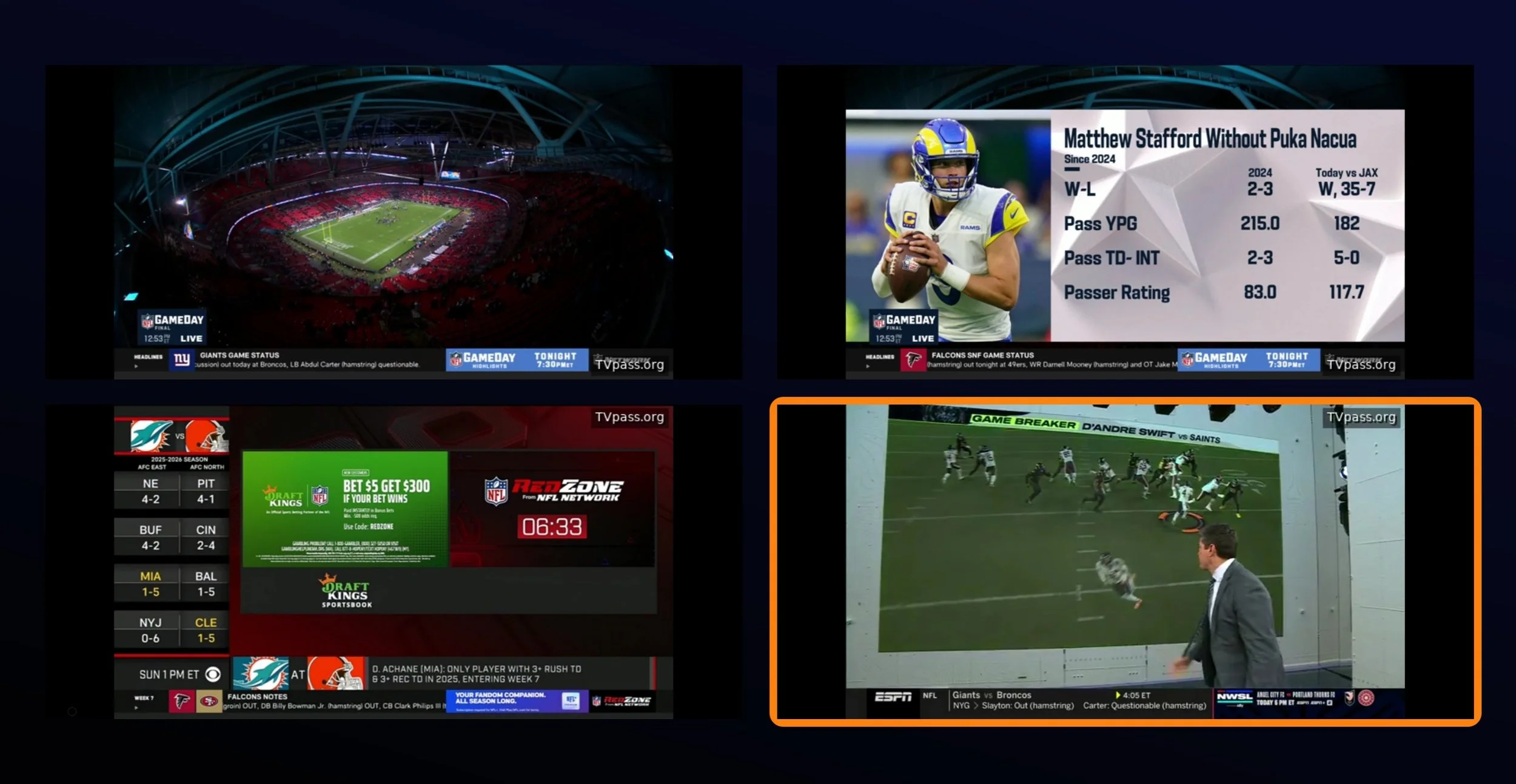
Multiscreen for live TV, sports, and PPVs event. I see you Sunday Ticket.
Now, for my people who just want plug-and-play, how many do you need for your home? I know a lot of you have multiple TVs, and yes, you need one for each TV.
No worries, the APKs update themselves, and no, no one can break the device. Everything is done for you.
Updates for the Nvidia Shield TV Pro 2019 are locked in. You can even lock the Android home screen so visitors only see the APKs.
So much can be done, and you have all the control. If you're ready to stop thinking about it and start streaming, your device is waiting.
Have a few more questions? We answer them all in our FAQ section below.
Shop Now > Discord >
FAQ: Nvidia Shield Fully Loaded
Q1: Is this Jailbroken Nvidia Shield Pro legal?
To be clear, we are not lawyers. However, based on the law as of 2025, simply streaming pirated content is not illegal for the end-user in the US.
What is illegal is downloading, distributing, or hosting that content. Our device uses streaming only apps that function as search engines, operating in a legal grey area. We provide the tool; how you use it is your responsibility.
Q2: Will I get updates? What happens if an app breaks?
We've locked the device on a stable, pre-tested version of the software (Android 9, version 8.2.1) to prevent updates that break the system. The APKs within our Elite System are designed to update themselves. If a major app stops working, there is already a replacement on the device and all you do is move over to it.
Q3: What’s the difference between this and a pre-loaded Fire Stick?
It's the difference between a toy and a professional tool. A Fire Stick is a cheap, locked-down device that Amazon controls, they can and will remove your apps with an update. Our Nvidia Shield Pro is a premium device we've freed from control. It’s more powerful, completely deGoogled for your control, and built to last for years without slowing down.
Q4: Do I need a VPN?
No, not for the streaming you'll do with our Elite System. Our setup includes a special APK that comes with an DNS with a built in VPN for privacy. A VPN is generally only needed for downloading.
Q5: I'm not tech-savvy. Is it hard to use?
Not at all! This was our main goal. We've done all the complex work. What you get is a simple, unified menu. You find a show or movie, click it, and it plays. It's designed to be easier than switching between Netflix, Hulu, and Max. We also include video manuals that show you how each APK works.
Q6: Why is the 2019 model better than a new one?
The 2019 Nvidia Shield Pro is legendary, unmatched hardware that still beats nearly every new device. More importantly, its software on version 8.2.1 is the last truly stable and customizable version before NVIDIA and Google started locking things down. It's the perfect combo of power and freedom that doesn't exist anymore.
Q7: Can I log into my own apps like Netflix on this?
Our device is deGoogled, meaning the Google Play Store and services are disabled. This is what gives you long-term control and prevents breakage. Therefore, you cannot log into official apps like Netflix or Disney+ that rely on Google. This device is solely for the free, worldwide entertainment provided by our Elite System. Plus you don’t need to, you have access to free Netflix and Disney+. You can go ahead and cancel both apps.
Q8: How long will this device last?
The hardware is built to last for many years, our office unit is going on 6 years strong. Because we've frozen the software in its perfect state, the functionality should remain intact for the foreseeable future. We confidently design it for 3 to 5+ years of service.
Have more questions? Feel free to contact us! We're happy to help.
Shop Now > Discord >
In Conclusion
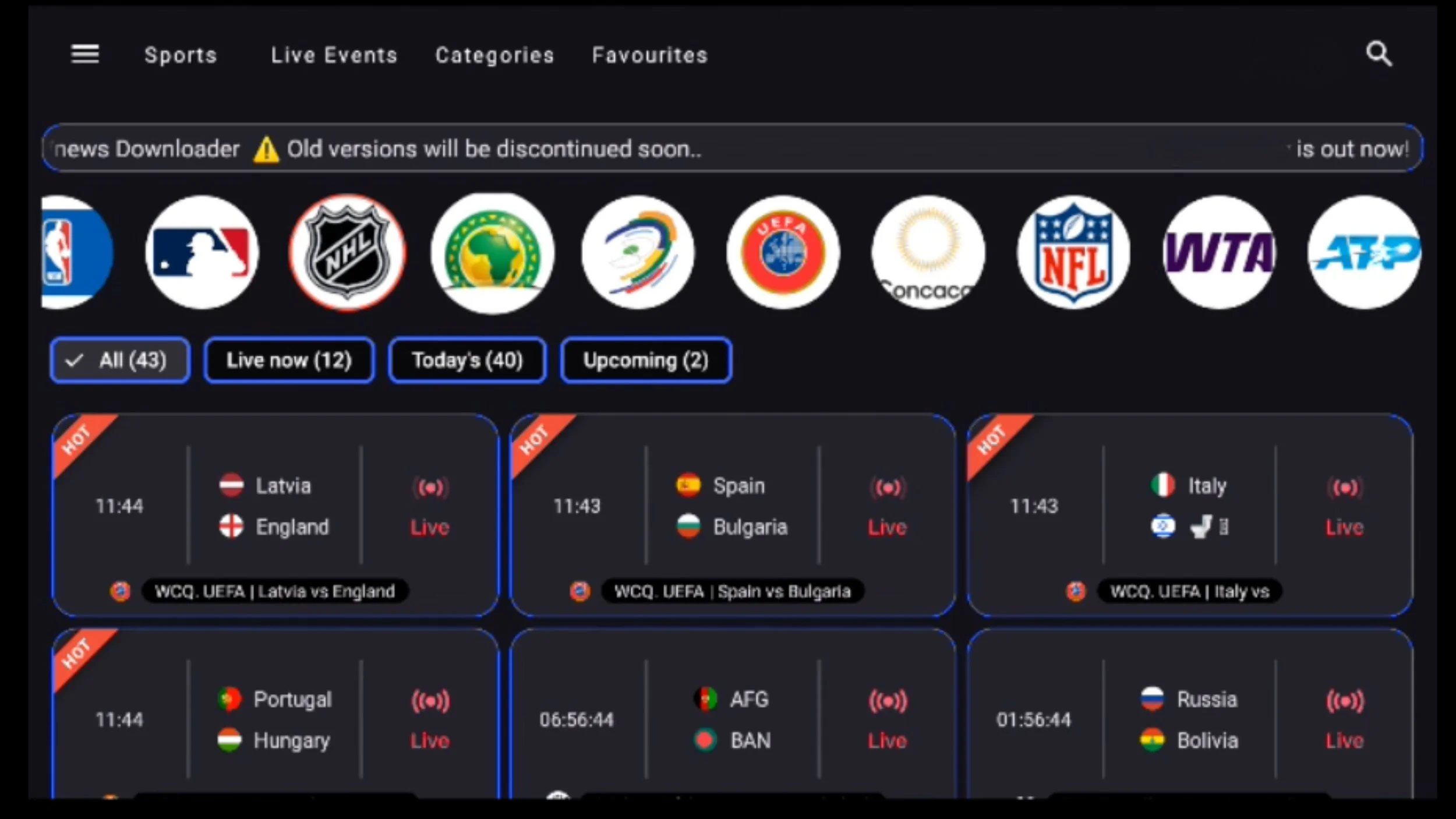
All sports and PPVs in one place, just click and play for free.
With the cost of living going up, it's time to save where you can. Cutting your entertainment costs is the easiest place to start.
One Jailbroken Nvidia Shield Pro costs less than 3 months of cable. In return, you get access to everything you want to watch for the next 3 to 5 years or longer. Just click and play.
Start saving the $300 you spend on cable and the extra $400 you give to subscription apps every month. This doesn’t even include sports packages and PPVs. You could save over $10,000 a year on TV entertainment with a Jailbroken Nvidia Shield Pro.
Oh, and we don’t stop there. You can even get free Spotify Premium for your phone and tablet. It’s time to take back control and stream with peace of mind.
It’s funny, isn't it?
The legal way to stream has become so complicated and expensive, while streaming piracy is so simple and more affordable.
For those asking, "Is this legal?" The simple answer is, at the moment, yes. There are no laws against streaming piracy for the user. And with our Jailbroken Nvidia Shield Pro, we include a special DNS so you can stream privately without a VPN and without your internet provider slowing you down.
I used to think buffering was the biggest headache. Not anymore. The new number one problem is being overcharged for a service that keeps getting worse.
"If you're going to let what you do be based upon what you hear & read, you better make certain the people who are giving you the advice are getting PHENOMENAL RESULTS!" — Bob Proctor
This streaming device is truly phenomenal. When you get it in your hands in just 4 business days, you'll feel that excitement rushing through your veins. You won’t be able to wait to open it and start streaming.
Cancel it all, the cable, the subscription apps, and start taking back your money today.
🤝 At the end of this month, the price for NVIDIA is going up to $925.
🥳 So if you want to take Advantage of them while they are still $725
⏰ You Better Act NOW!
Shop Now > Discord >
Related Post: How to Watch Free Sports